
POSper2.2 - Download
You'll be able to download in few seconds.
Publisher Description
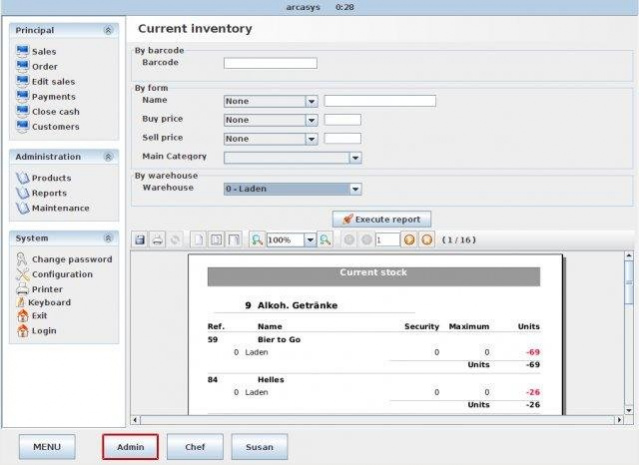
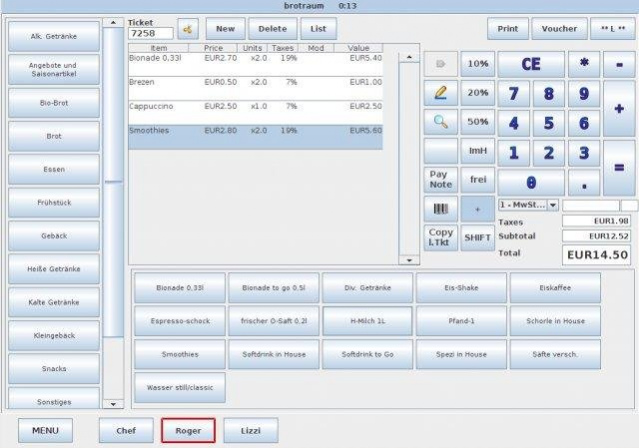
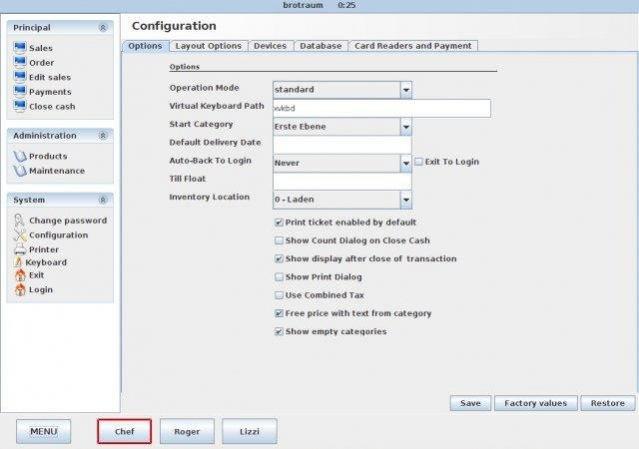
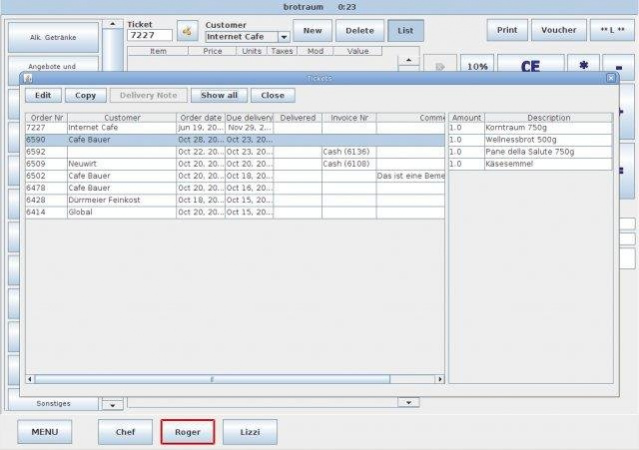
POSper is a Point Of Sale (POS) System designed for small businesses. We support a wide variety of hardware and databases. We stand committed to the principals of community, collaboration, and communication and welcome everyone who comes by.
- Intuitive touch screen operation
- User oriented design for retail and restaurants
- Ticket split and table moving
- Customer card options
- Sophisticated discount system with customer price list facilities
- Customer group support, e.g. for discounts
- Modifiers for discounts, tax shift, etc,
- Order processing with delivery notes
- True multi user and multi terminal capabilities
- Open database interface accessible by ERP systems
- Layout easily configurable (e.g. button sizes, images, separate category panel, template system for ticket layouts)
- User and role management to control feature access
- Many devices supported (printers, scales, cash drawers, scanners, card readers)
- OPI Interface for credit card terminals
- Efficient stock management
- Stock management features for branch infrastructure
- Accounting support
- Integrates with POSper Backoffices (Web Interface to POSper with personnel management features, see SF project POSper Backoffice)
- Many languages supported
- Foreign currency support: cash payment in two currencies
- New: Fiscal security integration for countries DE (TSE support), AT, and CZ
About POSper
This Accounting & Finance program is available in English. It was last updated on 29 September, 2026. POSper is compatible with the following operating systems: Linux, Mac, Windows.
The company that develops POSper is aluchko. The latest version released by its developer is 2.2.
The download we have available for POSper has a file size of 33.6 MB. Just click the green Download button above to start the downloading process. The program is listed on our website since 2013-05-13 and was downloaded 0 times. We have already checked if the download link is safe, however for your own protection we recommend that you scan the downloaded software with your antivirus. Your antivirus may detect the POSper as malware if the download link is broken.
How to install POSper on your Windows device:
- Click on the Download button on our website. This will start the download from the website of the developer.
- Once the POSper is downloaded click on it to start the setup process (assuming you are on a desktop computer).
- When the installation is finished you should be able to see and run the program.
Program Details
System requirements
Download information
Pricing
Version History
version 2.2
posted on 2013-05-13
version 1.0
posted on 2010-10-21
Several fixes and updates
Disclaimer
External Download
We do not host POSper on our servers. We did not scan it for viruses, adware, spyware or other type of malware. This app is hosted by the software publisher and passed their terms and conditions to be listed there. We recommend caution when installing it.
The external download link for POSper is provided to you by apps112.com without any warranties, representations or guarantees of any kind, so access it at your own risk.
If you have questions regarding this particular app contact the publisher directly. For questions about the functionalities of apps112.com contact us.
